
What it does
When you need to be out the door to catch the bus.
Leave at the right time
The latest bus that still gets you there, walks along campus paths at your pace, and a bus earlier when yours is usually busy.
Follows your timetable
Import from NUSMods once. It knows teaching weeks, recess, exams and public holidays, and sends you home in long gaps.
The right side of the road
It picks the stop going your way, even when the one across the road is closer. Or check anywhere with one tap.

Every bus on the map
Each shuttle that's out, on its route across campus, in the app, on your Mac and on the web.
Set up in two minutes
Install
The Android app, the Mac menu bar app, or straight on the web. No account or password to set up.
Add your timetable
Paste your NUSMods share link.
Your stop and pace
Pick where you live and how fast you walk.
Glance
It updates throughout the day and stays quiet in the evening.
On your phone, your Mac and the web
The same answer on your home screen, in your menu bar and on the web.

On your home screen
A widget that keeps itself up to date, with your favourites one tap away, and a live notification when it’s time to go.
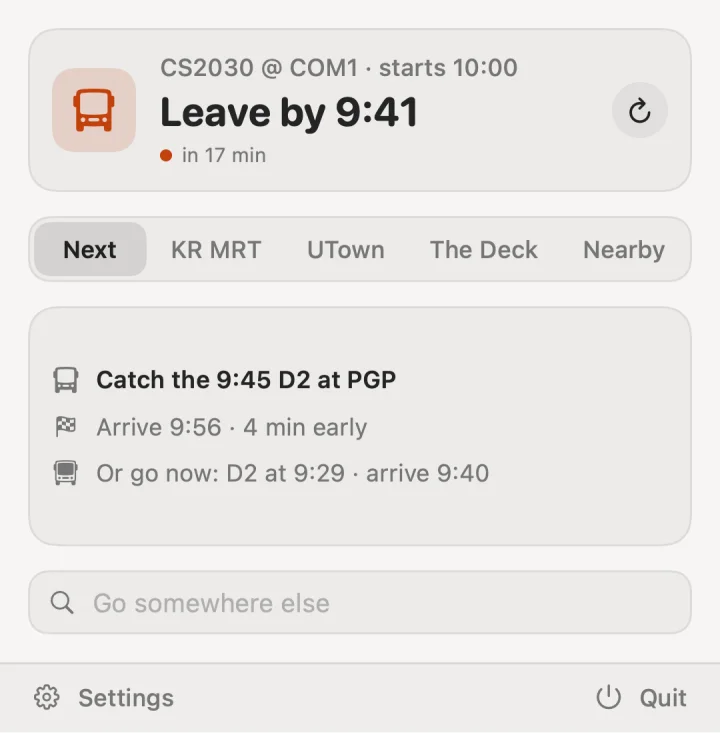
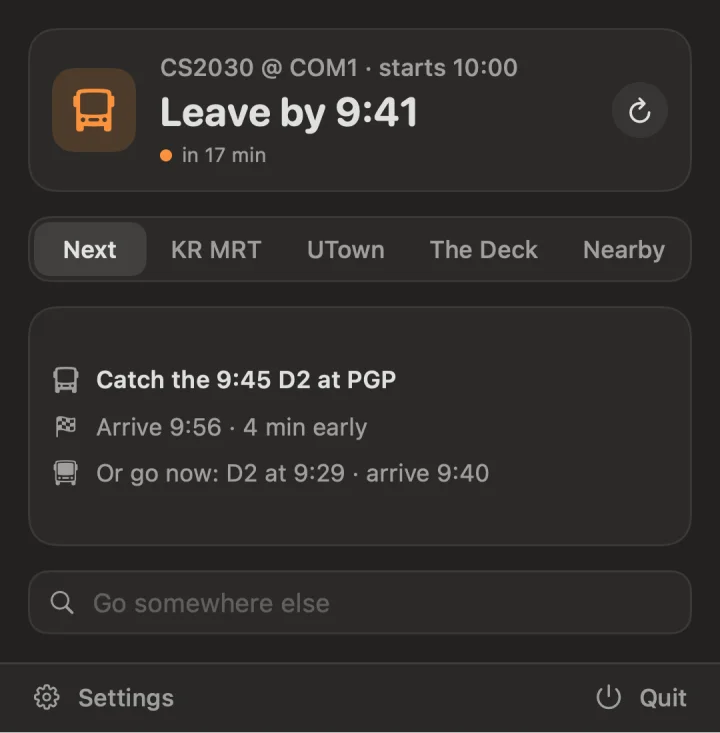
In your menu bar
When to leave, in the menu bar. Click for the whole trip, your favourites, or anywhere else on campus.
On the web
Every bus near you, and the campus map, in any browser. Add it to your home screen like an app.